Tatloom · AI Tattoo Design

Your AI tattoo design studio.

Turn ideas and images into tattoo designs, preview them on your photo, refine existing tattoos, and create clean stencil linework.

Create

AI Tattoo

Prepare

Stencil

Made for Tattoo Ideas

From tattoo idea to finished artwork.

Create a tattoo from an idea, transform an image into tattoo artwork, or turn a finished design into clean stencil-style linework.

AI Tattoo Generator

Turn an idea into a tattoo concept.

Describe what you have in mind or add a reference image, then shape the result with tattoo-focused style, color, and composition controls.

Generate from text alone or guide the design with a reference image.
Choose tattoo style, color approach, output shape, and image format.
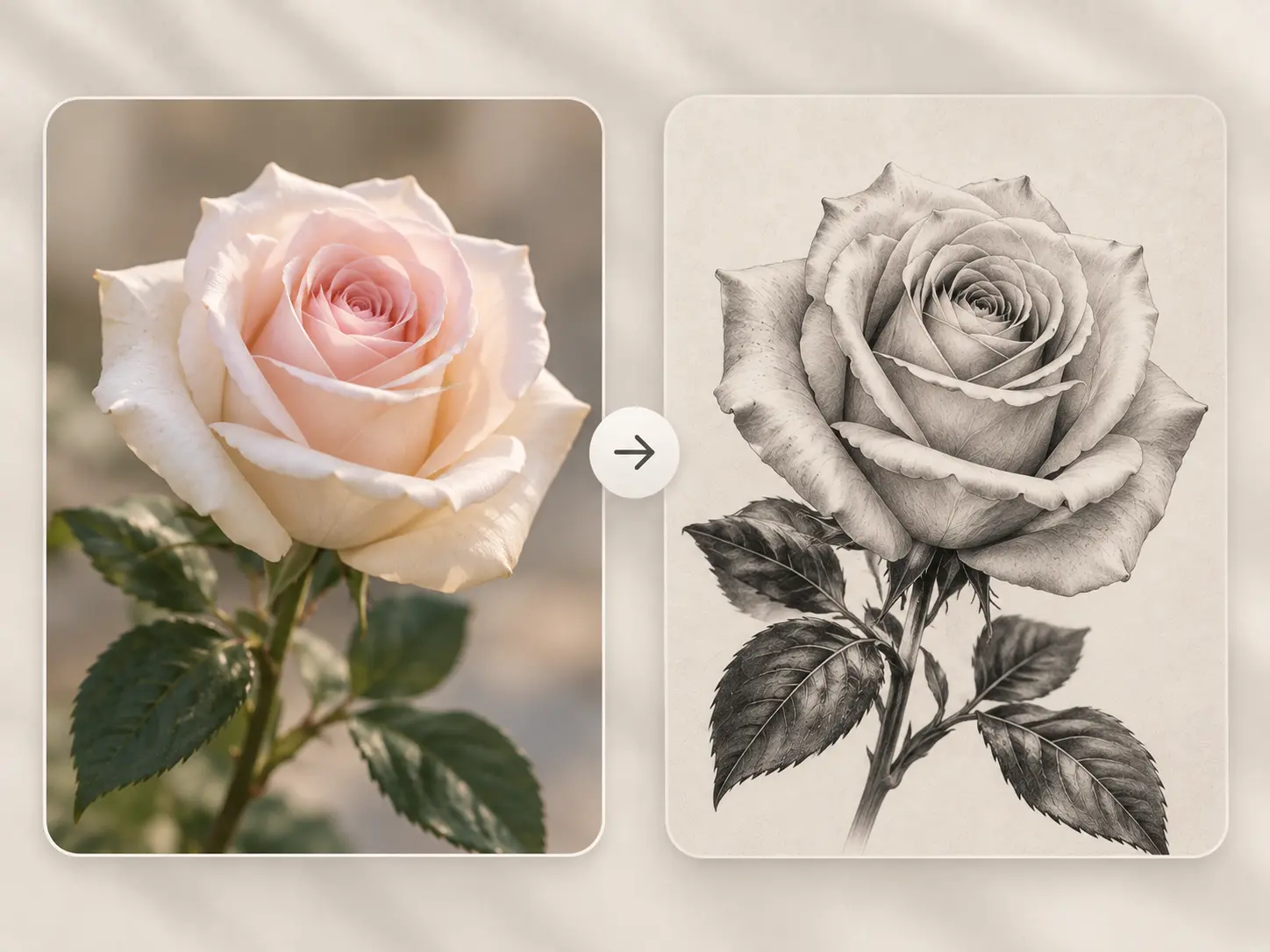
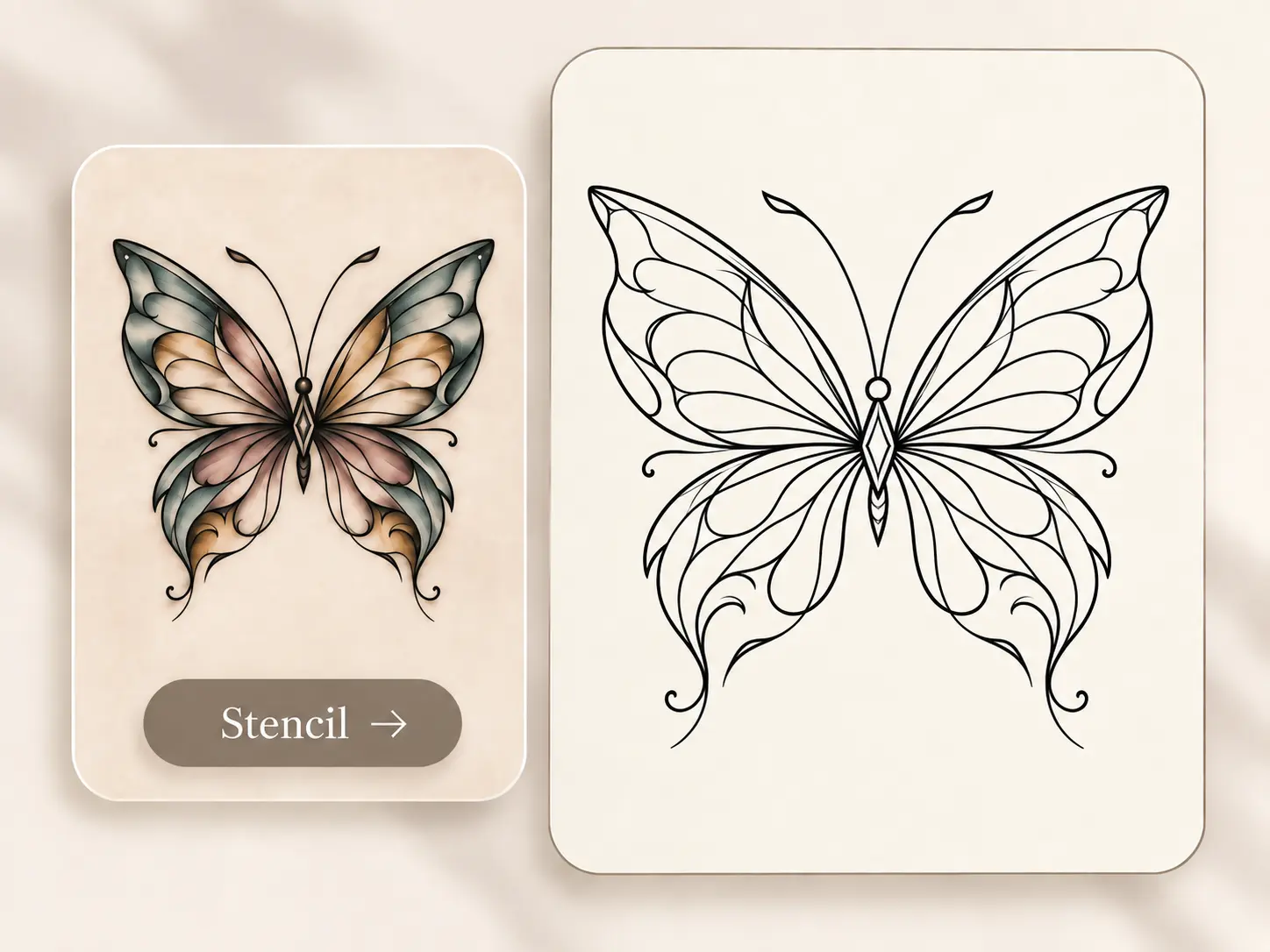
Image to Tattoo

Start with an image that matters to you.

Turn a favorite photo, pet portrait, sketch, or artwork into a tattoo concept while keeping its recognizable subject.

Choose a tattoo style, color treatment, and aspect ratio.
Add optional instructions, then save the result to your workspace.

Tattoo to Stencil

Turn finished artwork into clean linework.

Convert a tattoo image or design into clear stencil-style artwork while controlling the amount of detail and line weight.

Choose between cleaner outlines or linework with more internal detail.
Adjust detail level and line weight for a clearer stencil result.

Tattoo Styles

Explore tattoo styles for every idea

Discover different tattoo aesthetics and find a direction that fits the idea you want to bring to life.

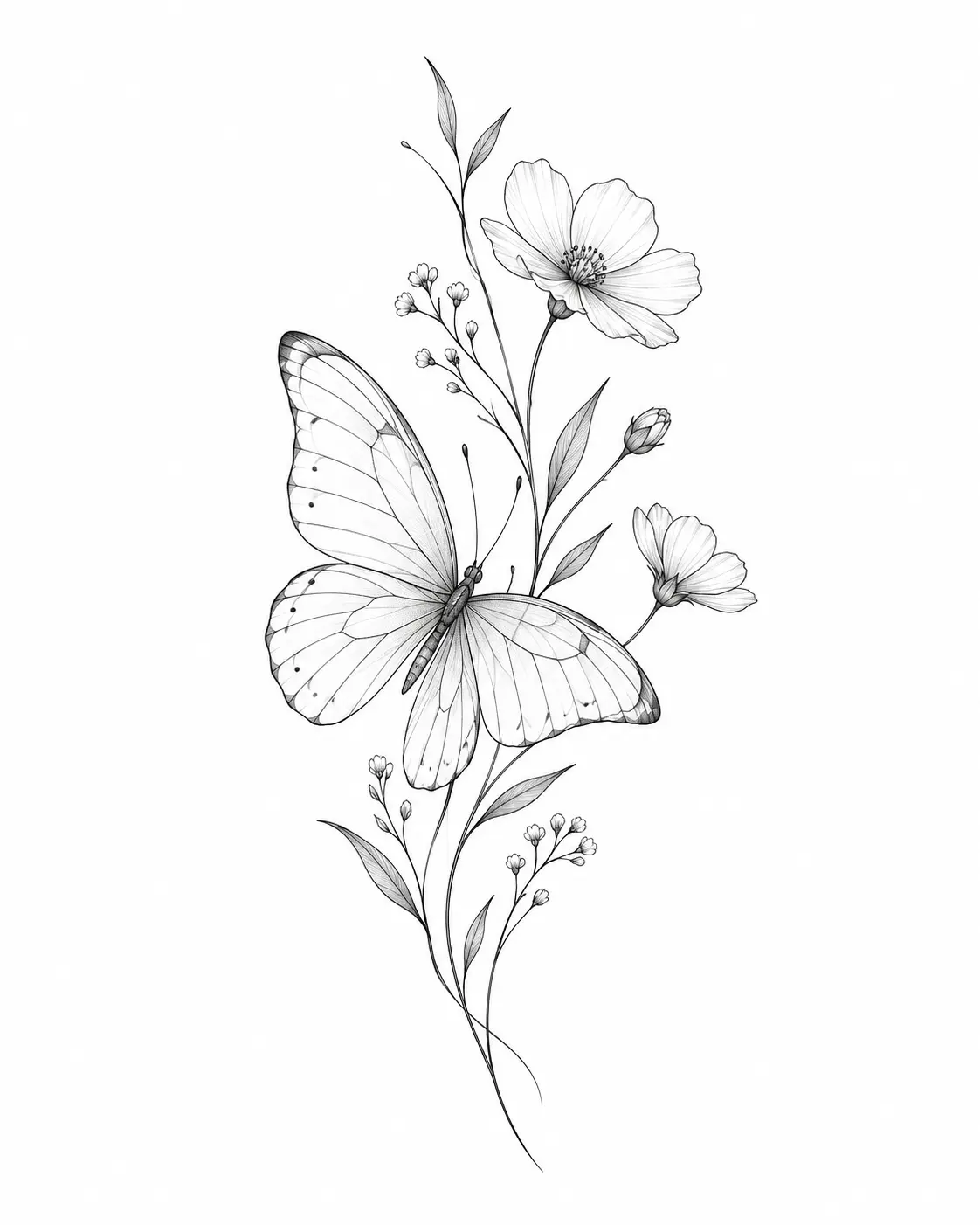
Fine Line

Fine Line

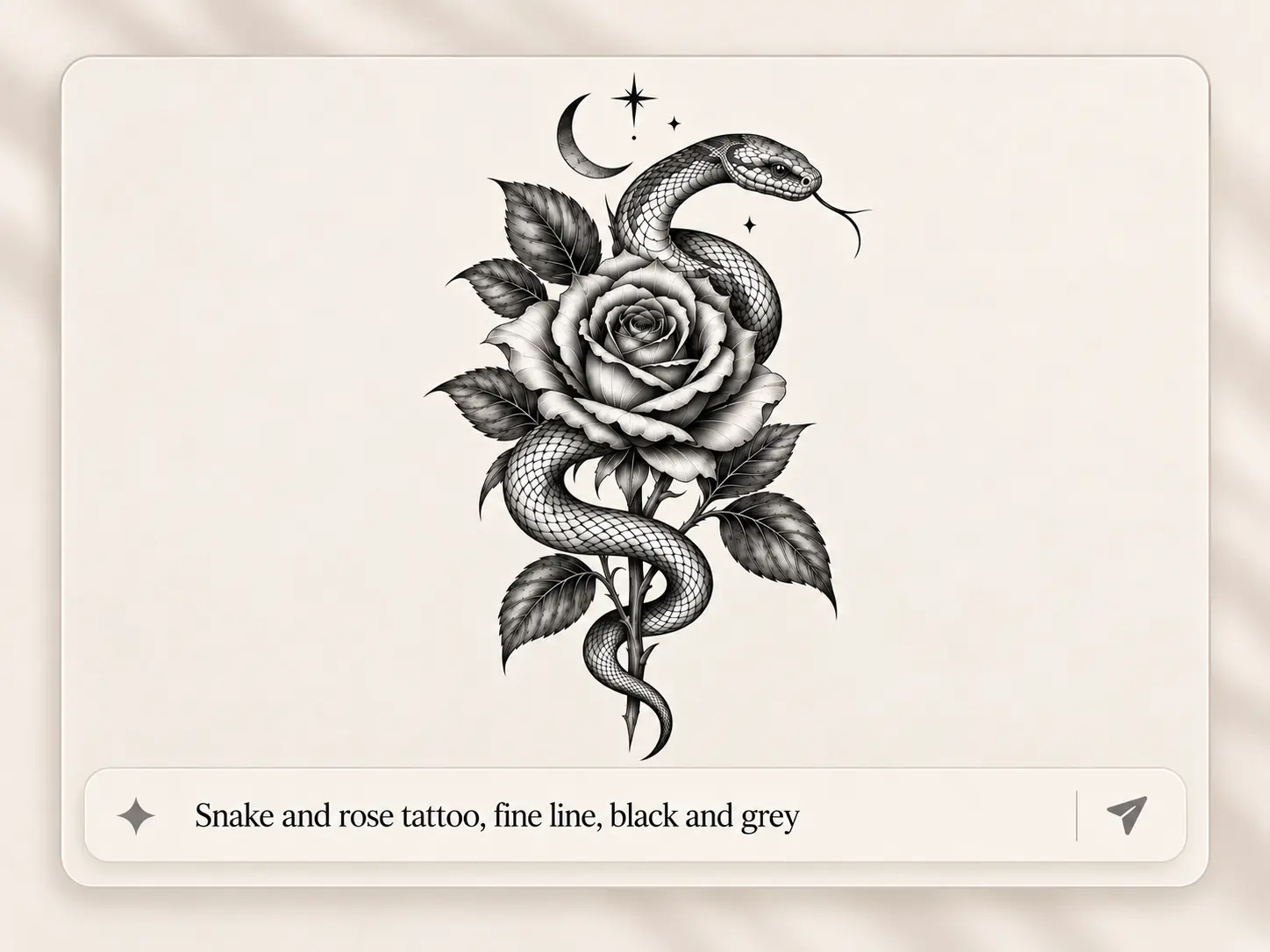
Delicate linework and refined details for clean, subtle tattoo concepts.

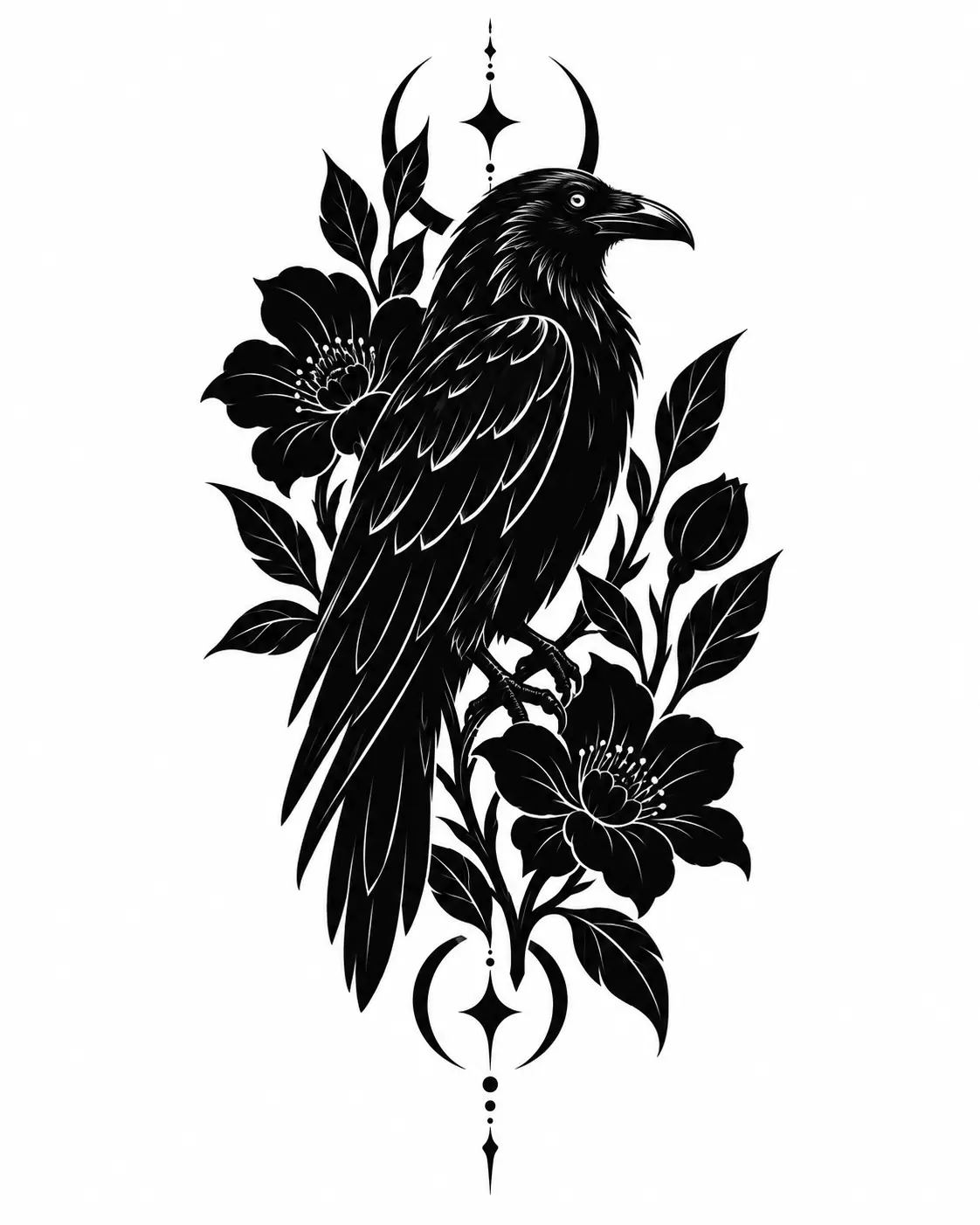
Blackwork

Blackwork

Bold black ink, strong contrast, and graphic forms with a striking presence.

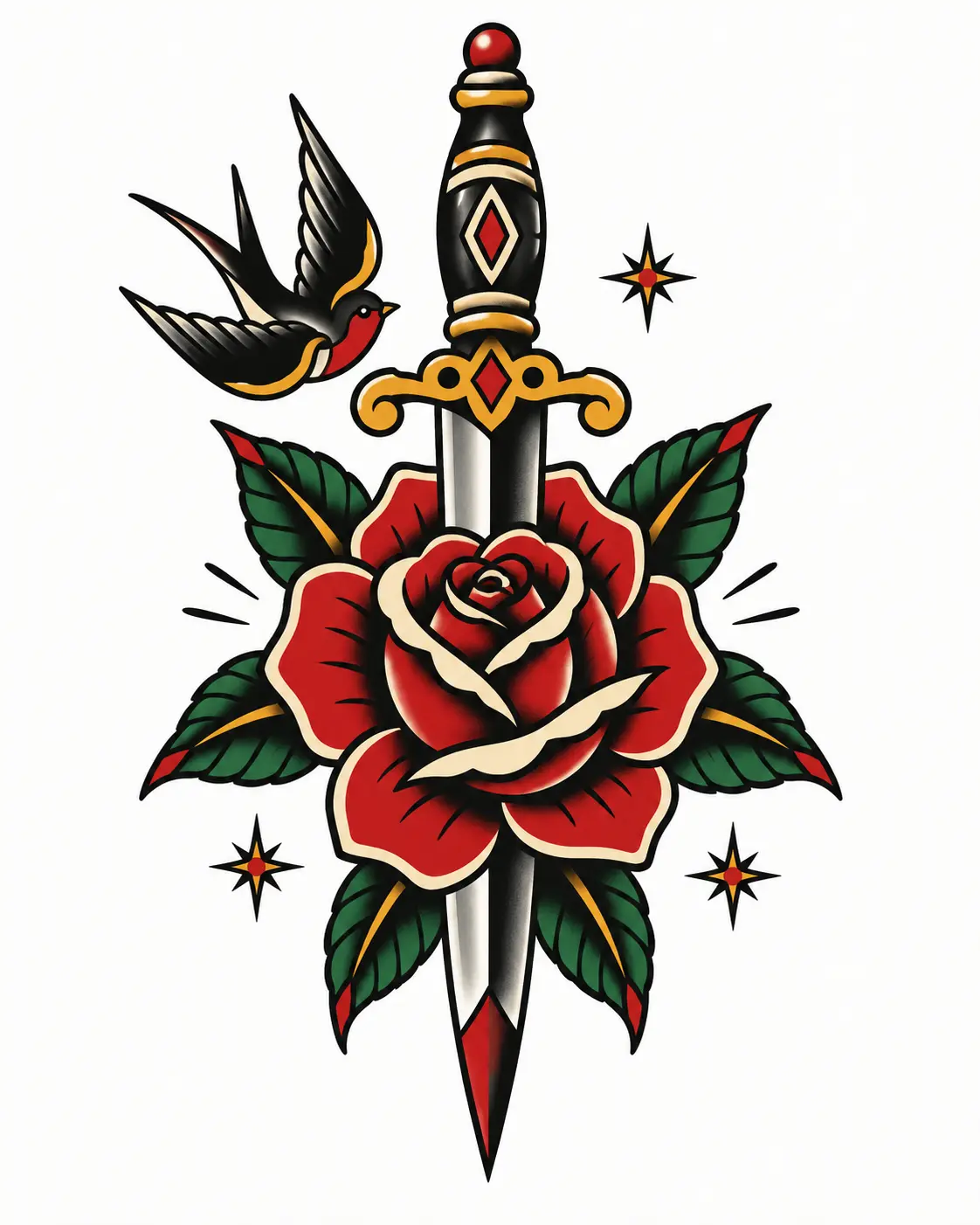
Traditional

Traditional

Strong outlines, iconic subjects, and classic tattoo-inspired color palettes.

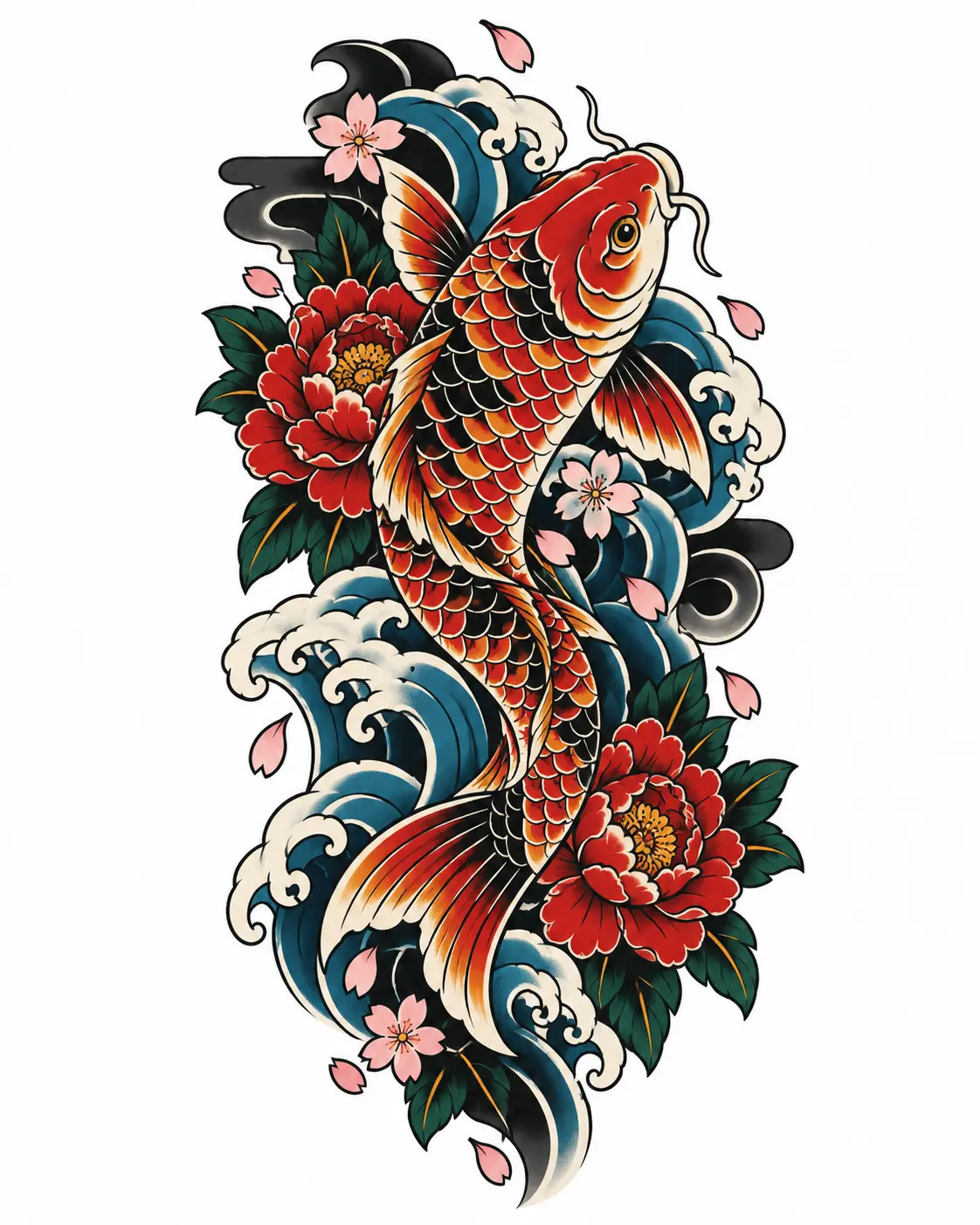
Japanese

Japanese

Flowing compositions inspired by traditional Japanese tattoo imagery and motifs.

Realism

Realism

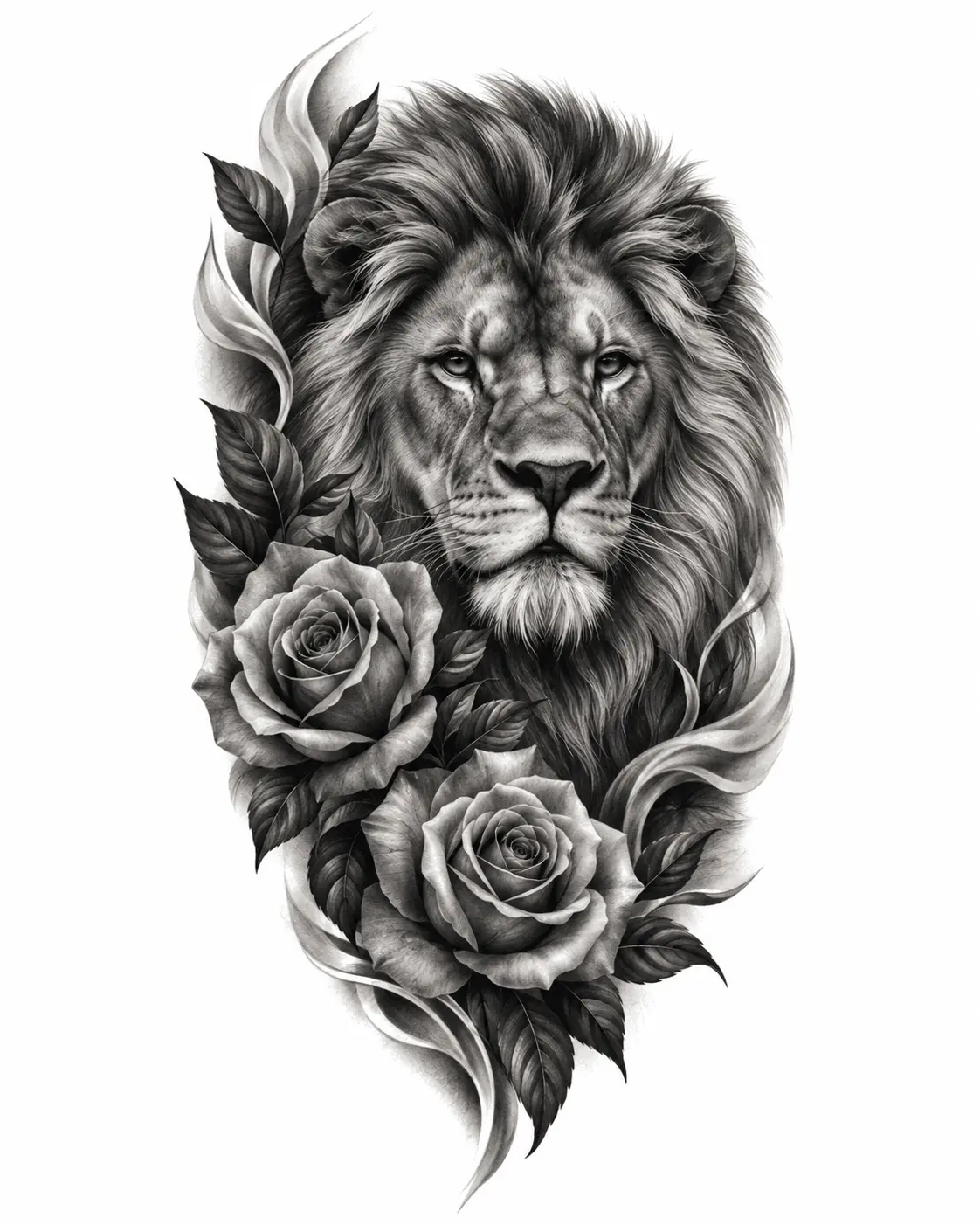
Detailed, lifelike concepts designed around depth, texture, and realistic forms.

Geometric

Geometric

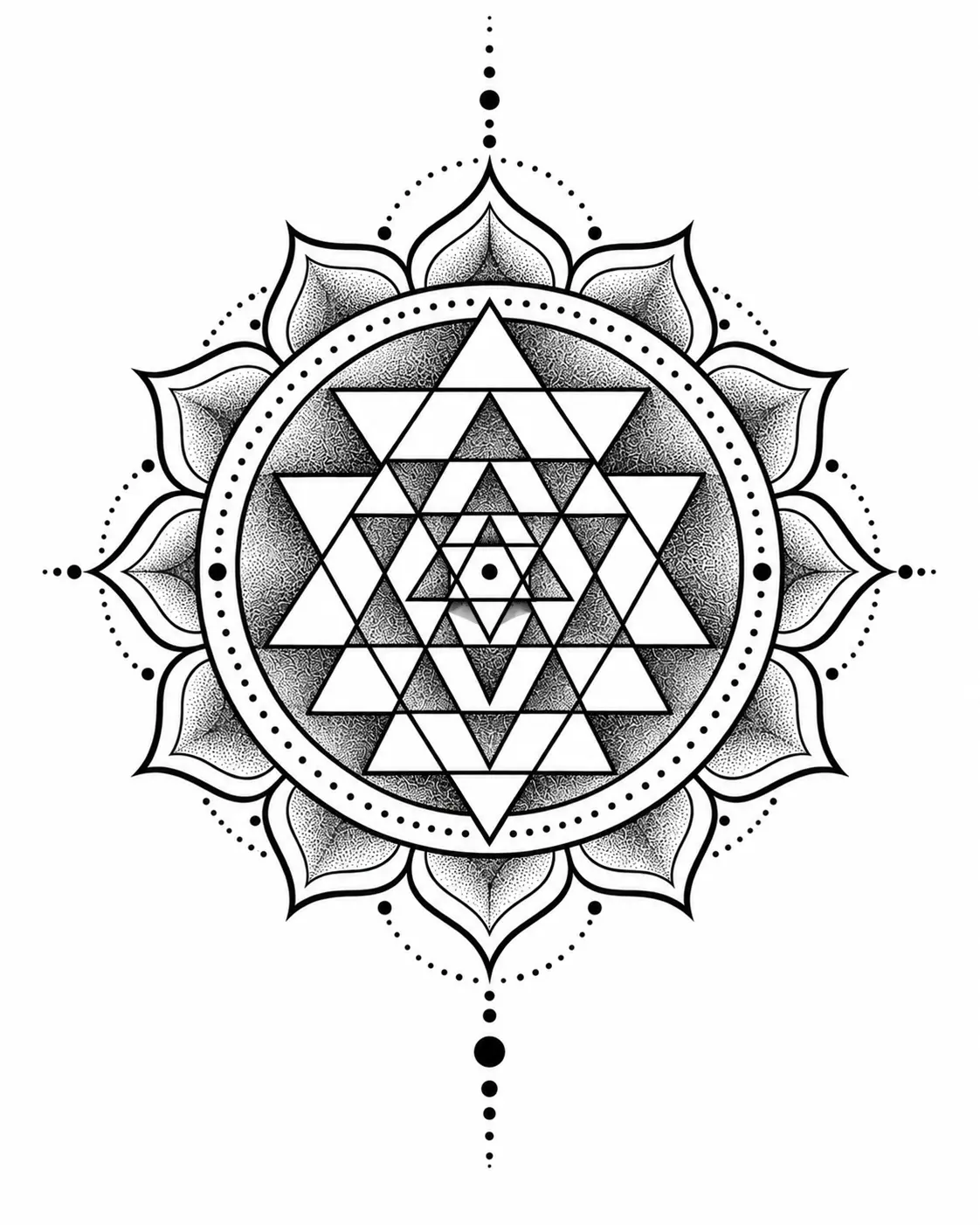
Structured shapes, symmetry, and precise patterns for modern tattoo concepts.

How It Works

Create your first tattoo concept in three steps

Start with the AI Tattoo Generator and shape an idea into a visual direction you can continue refining.

01

Describe your idea

Tell Tatloom what you want to create. Add a reference image when you want to guide the subject, composition, or mood.

02

Shape the design

Choose a tattoo style, color approach, and output shape, or leave the controls on Auto.

03

Generate & keep it

Generate one focused tattoo concept, download the result, or return to it later from your Workspace.

Frequently asked questions

Common questions about designing tattoos with Tatloom.

Have a tattoo idea in mind?

Start with a few words, shape the direction, and turn your idea into something you can actually see.